A computer rebuilt as a city.
Each computer part became the organ it stands in for, built as one dense city block in worn metal under neon.
1Hero scene
10Mapped components
3Texture sets
2KTexture resolution
Each computer part became the organ it stands in for, built as one dense city block in worn metal under neon.
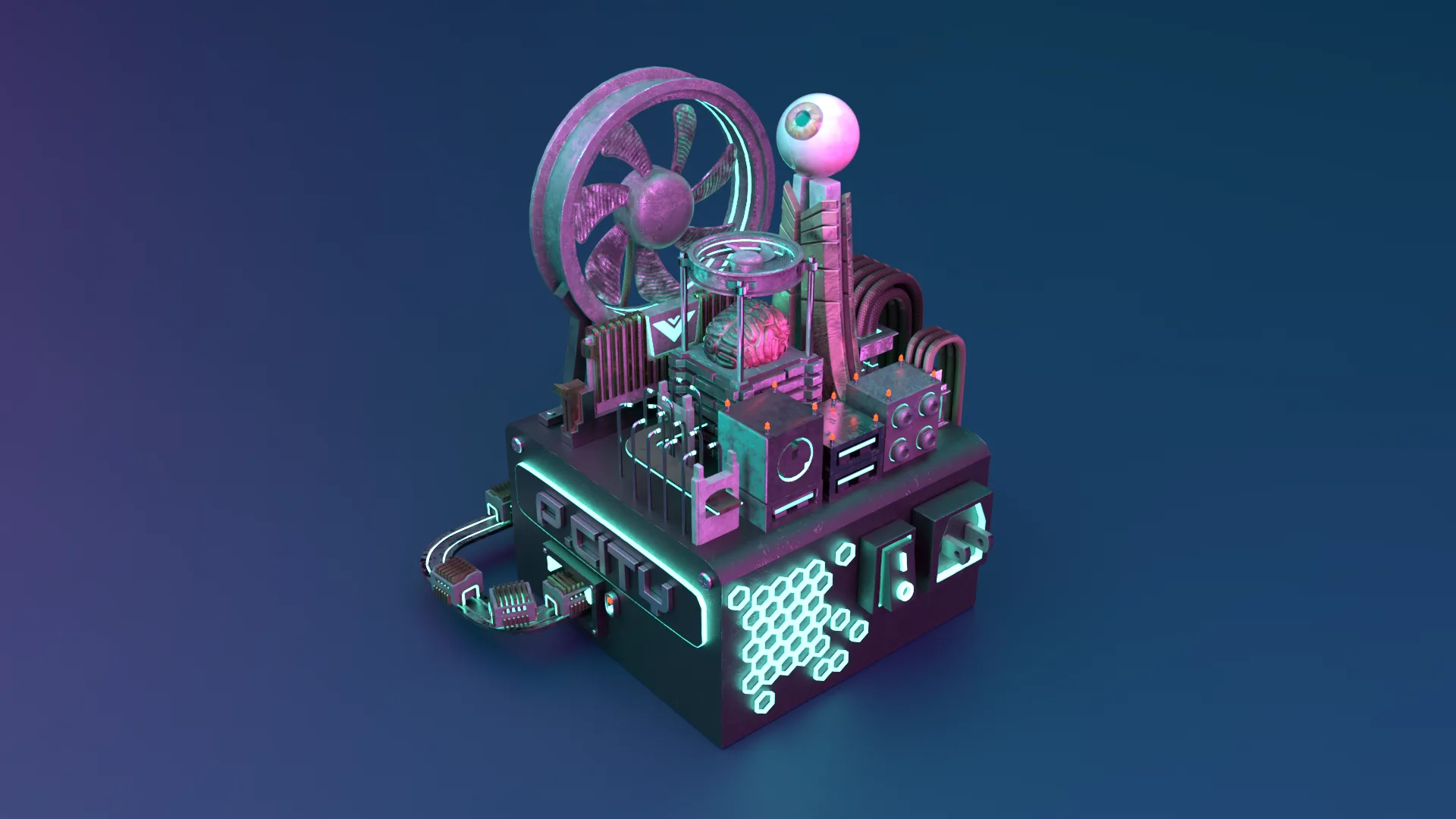
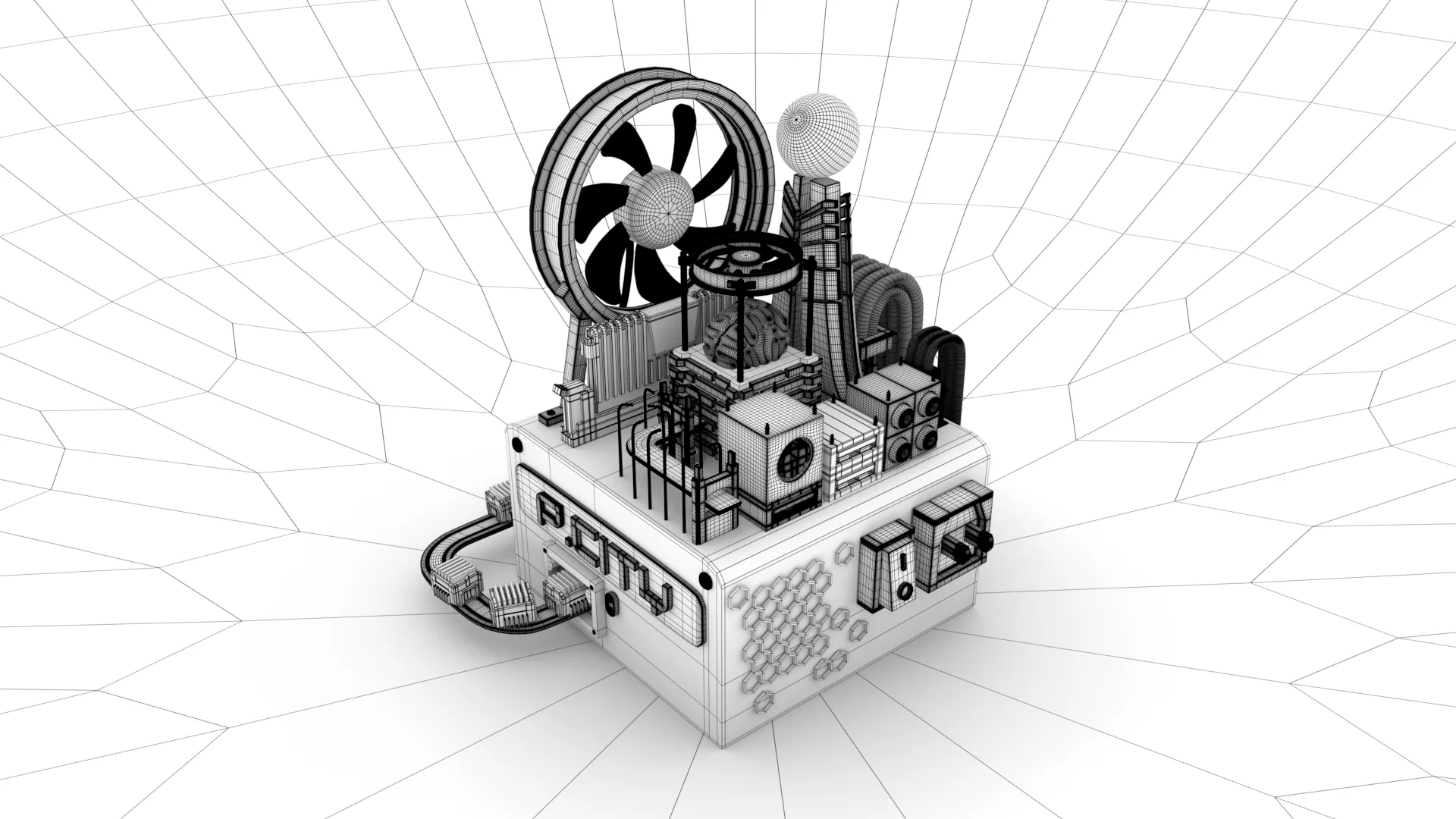
If a computer were a body, what would the city built on it look like?
The project started as a one-to-one mapping exercise. Every component of a desktop machine does something a human organ also does: the CPU thinks, the GPU sees, the RAM holds what you are working on right now, the SSD holds what you keep. Instead of illustrating that as a diagram, I built it as a place.
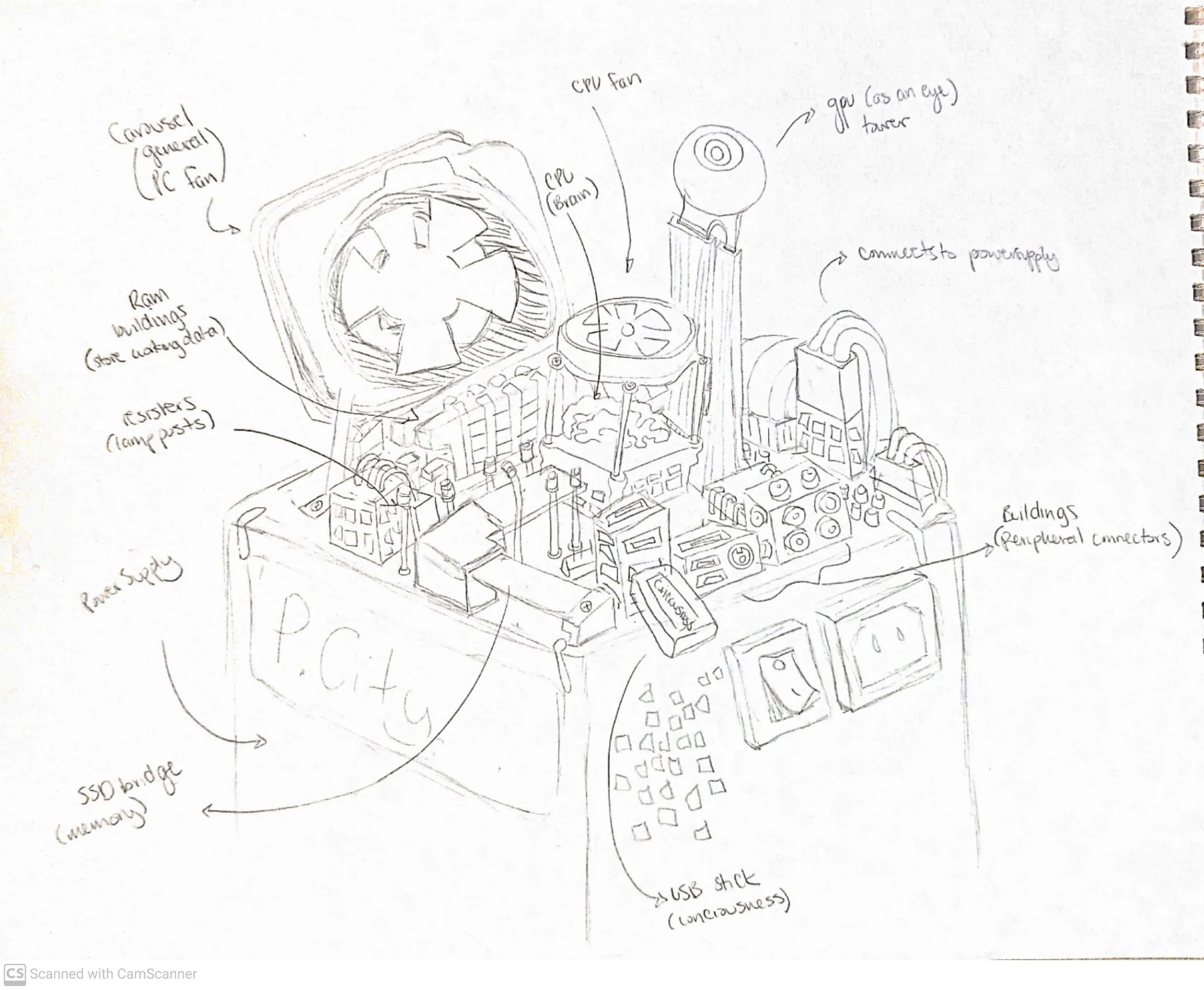
The whole scene was blocked out from one annotated sketch. The power supply became the ground the city stands on, the cooling fan became a carousel at the edge of town, and the USB stick plugged into the side became the thing that arrives from outside and changes what the city knows.
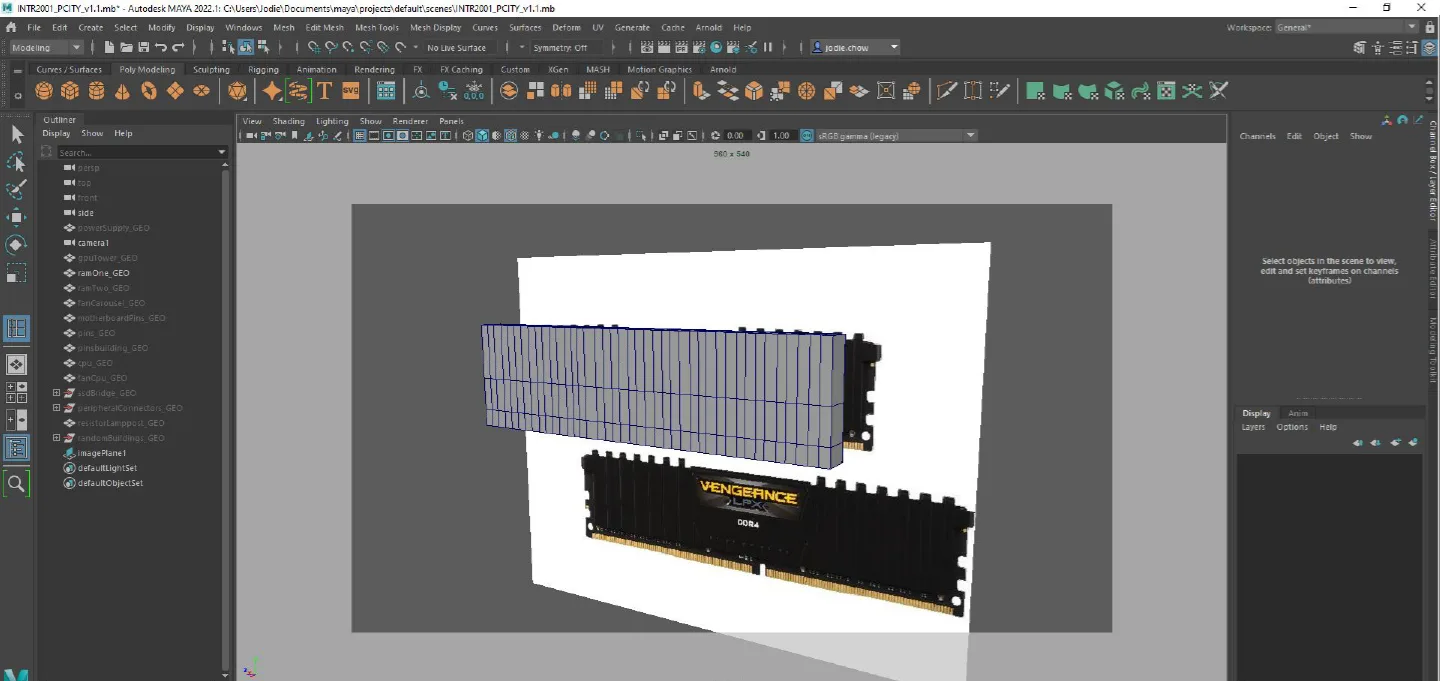
Hard surface, built part by part from reference.
Each component was modelled separately against photographs of the real part, then scaled into the city. Working that way meant the silhouette stayed legible: a RAM stick still reads as a RAM stick at a glance, even once it has windows and a roofline.
Three parts, three stages each: primitive, cut, resolved. Move across the stages below to see a simple form become the final mesh.
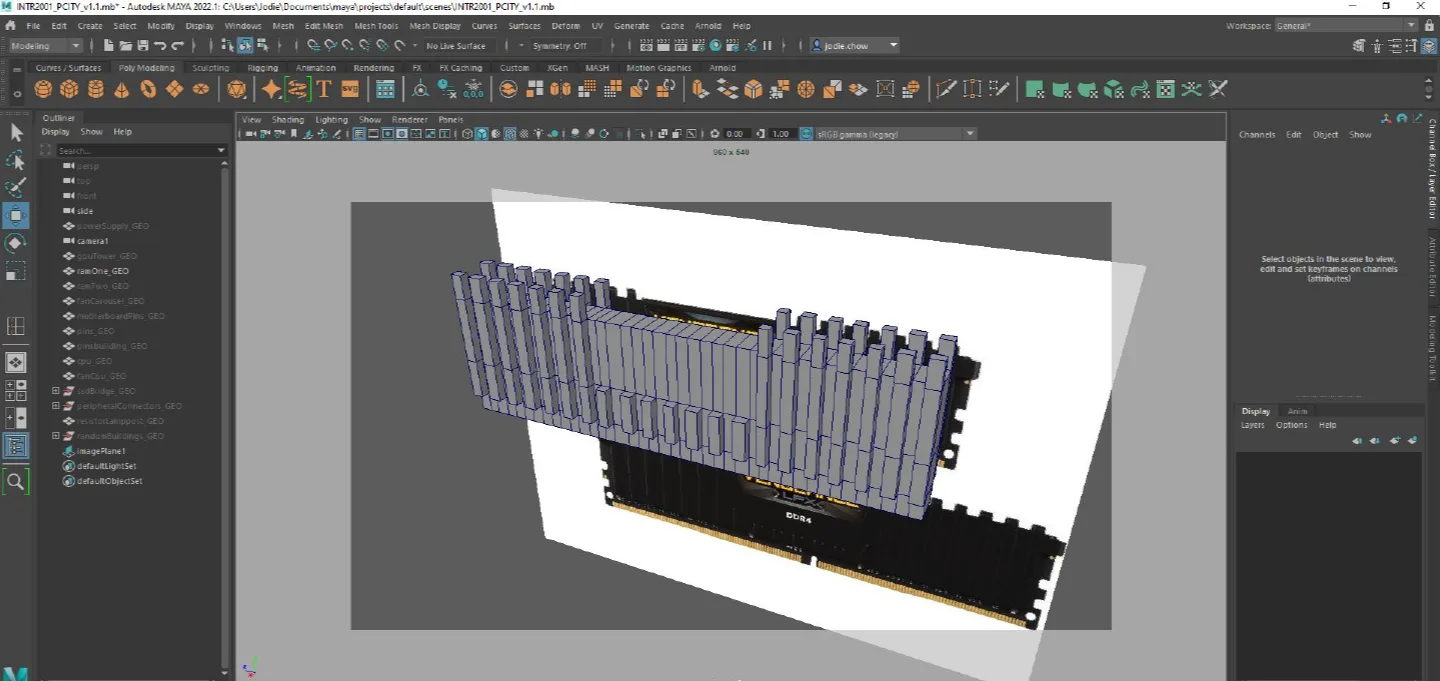
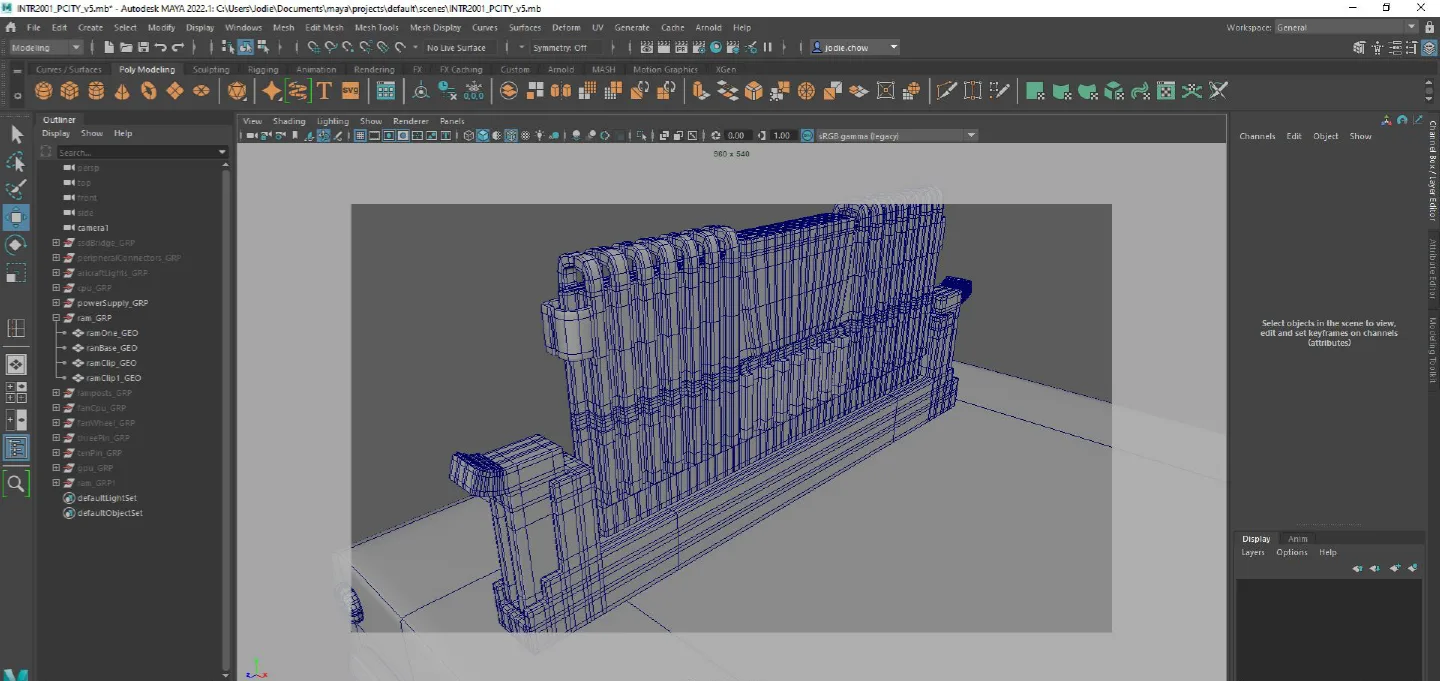
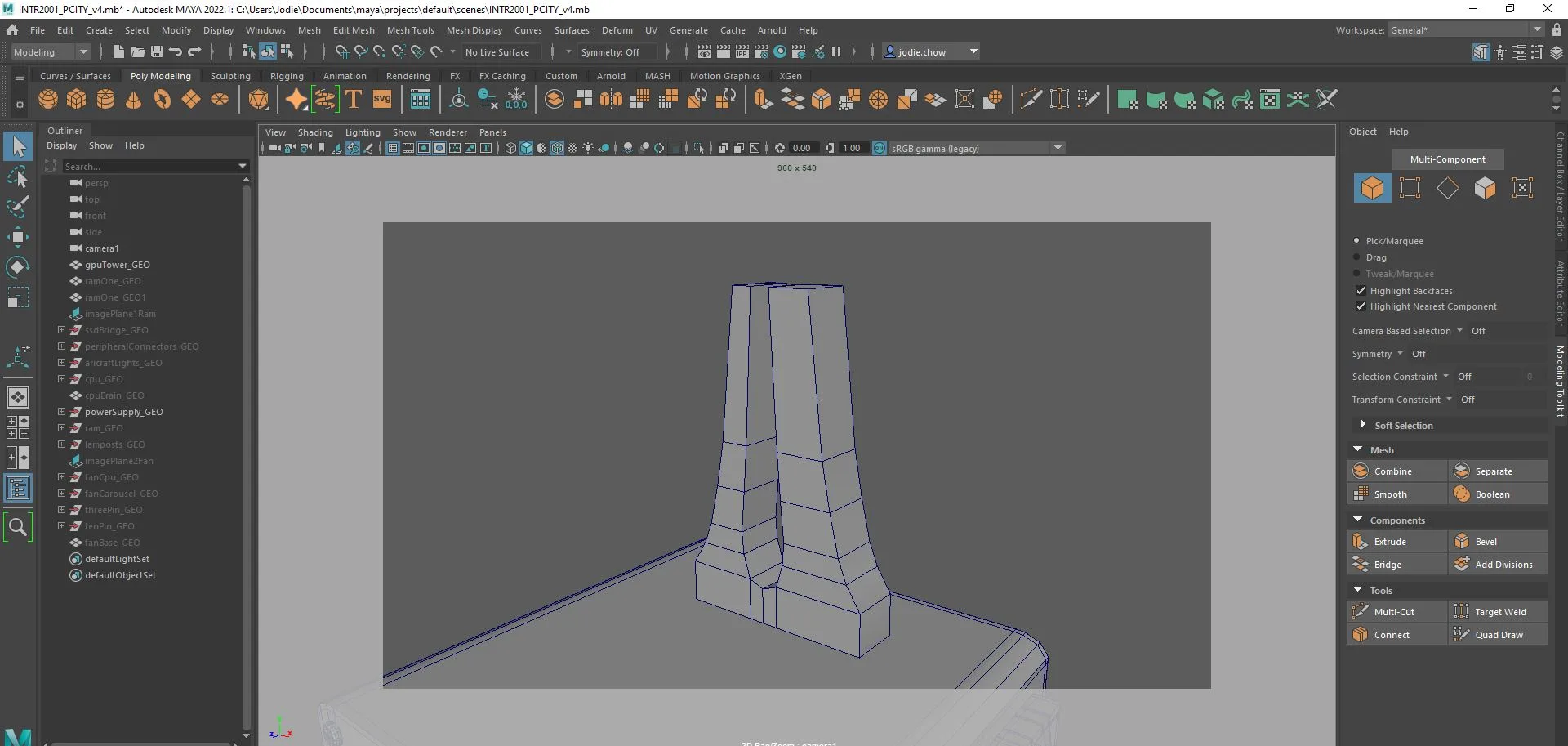
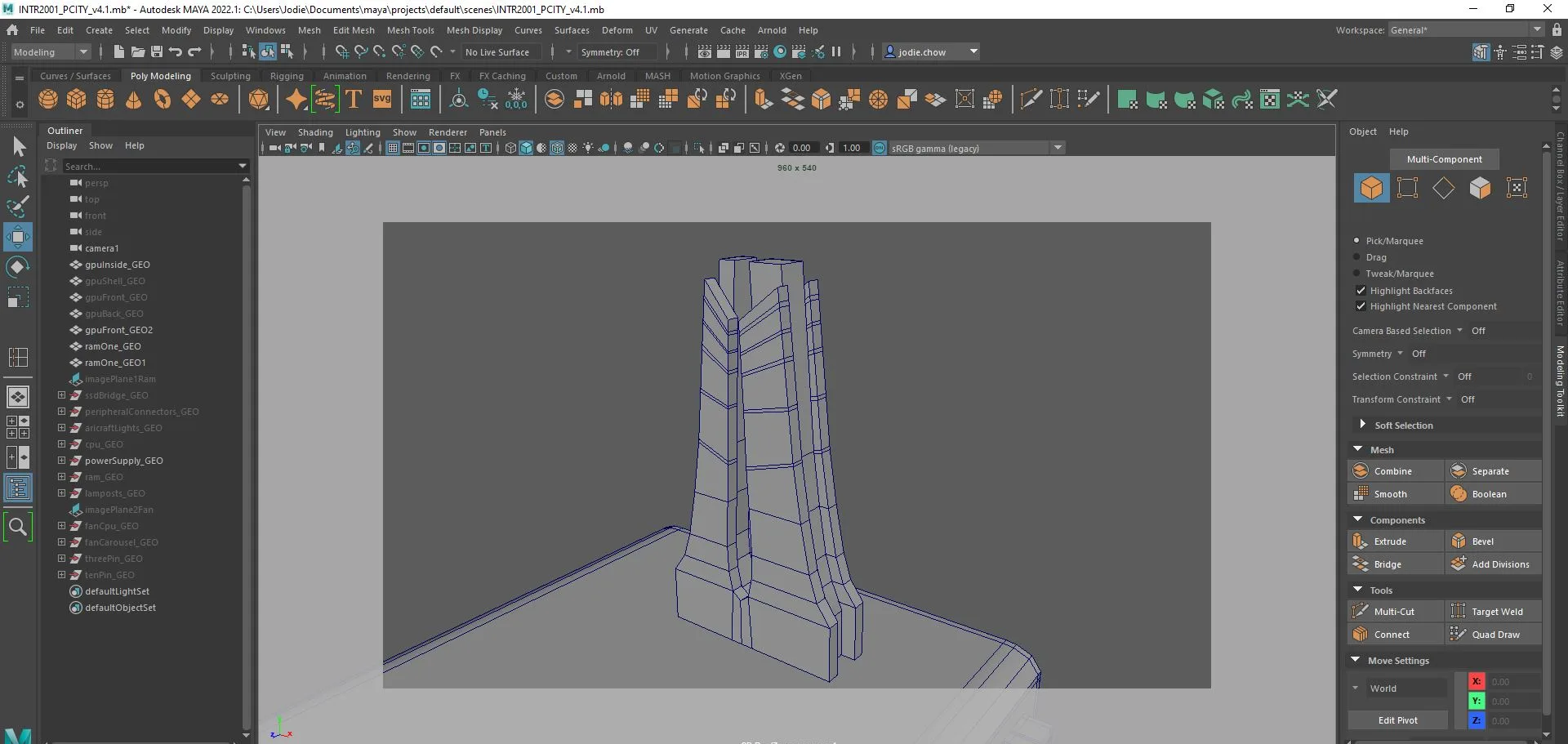
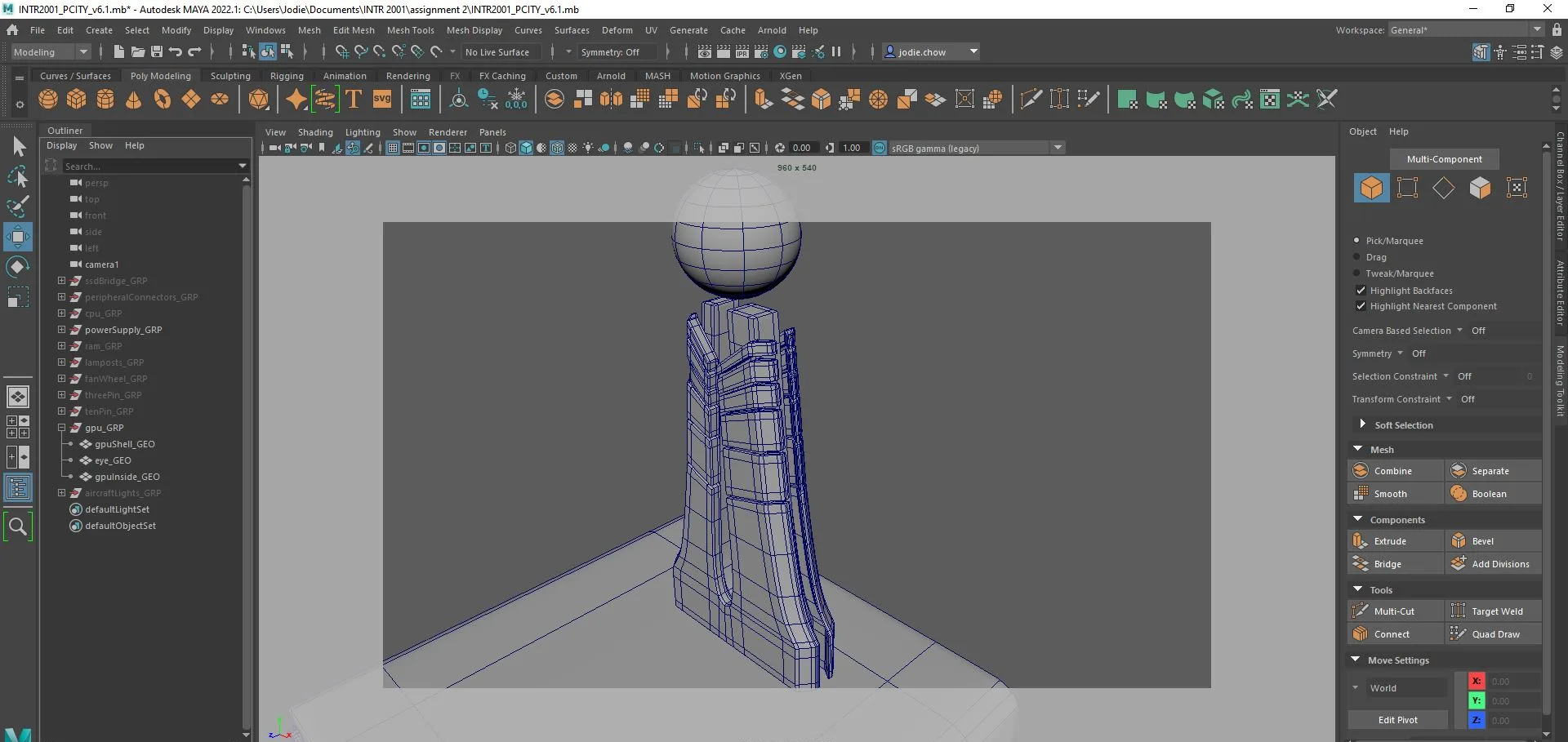
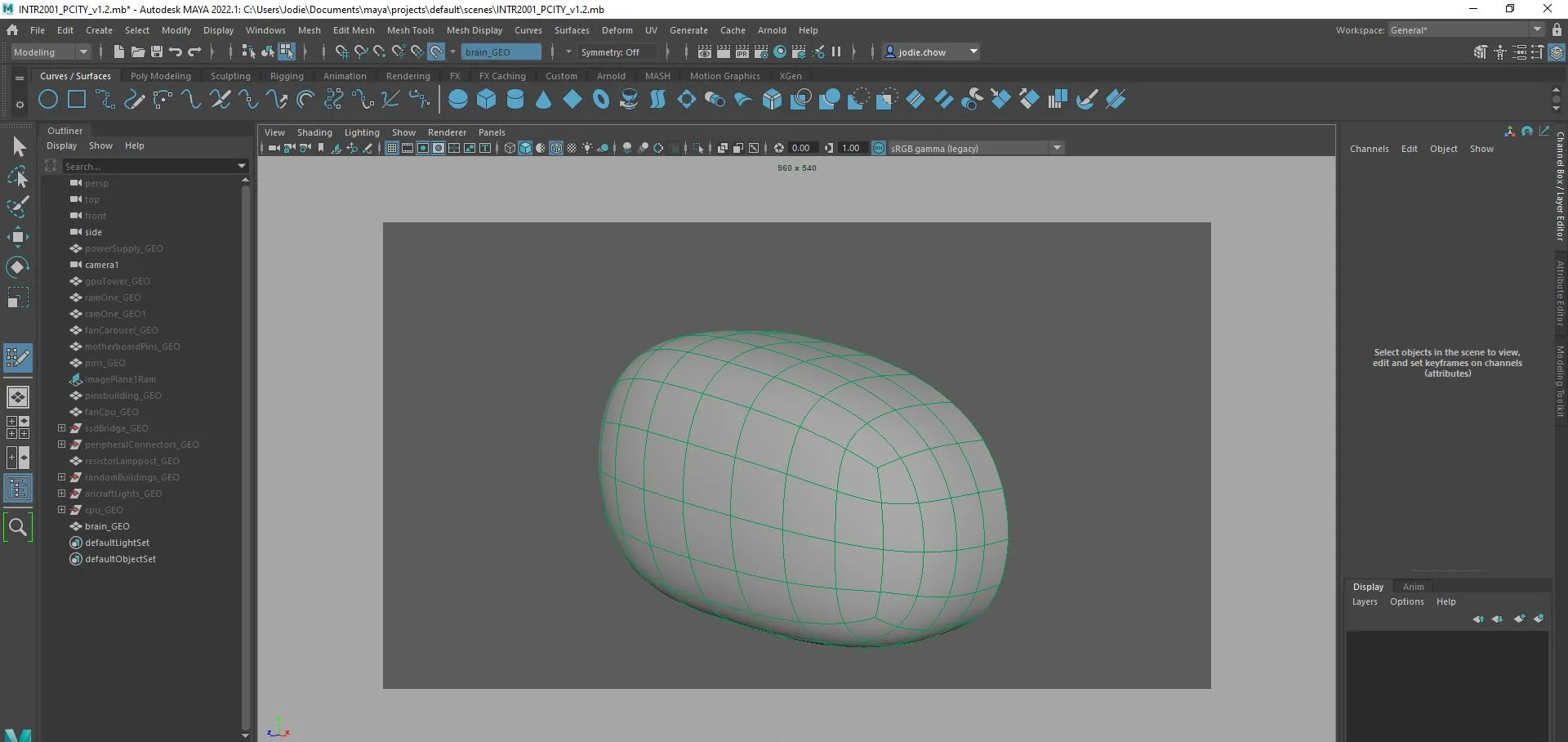
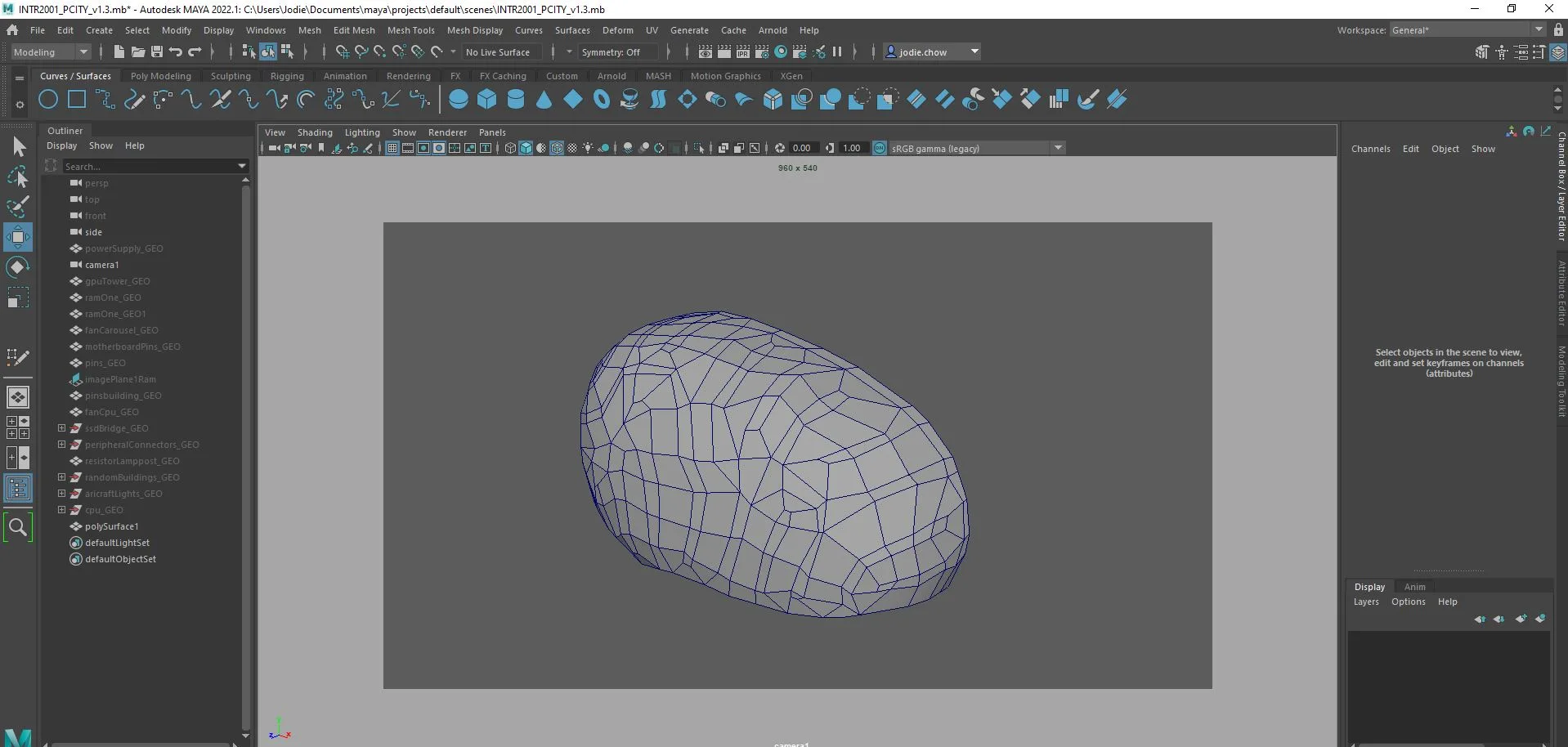
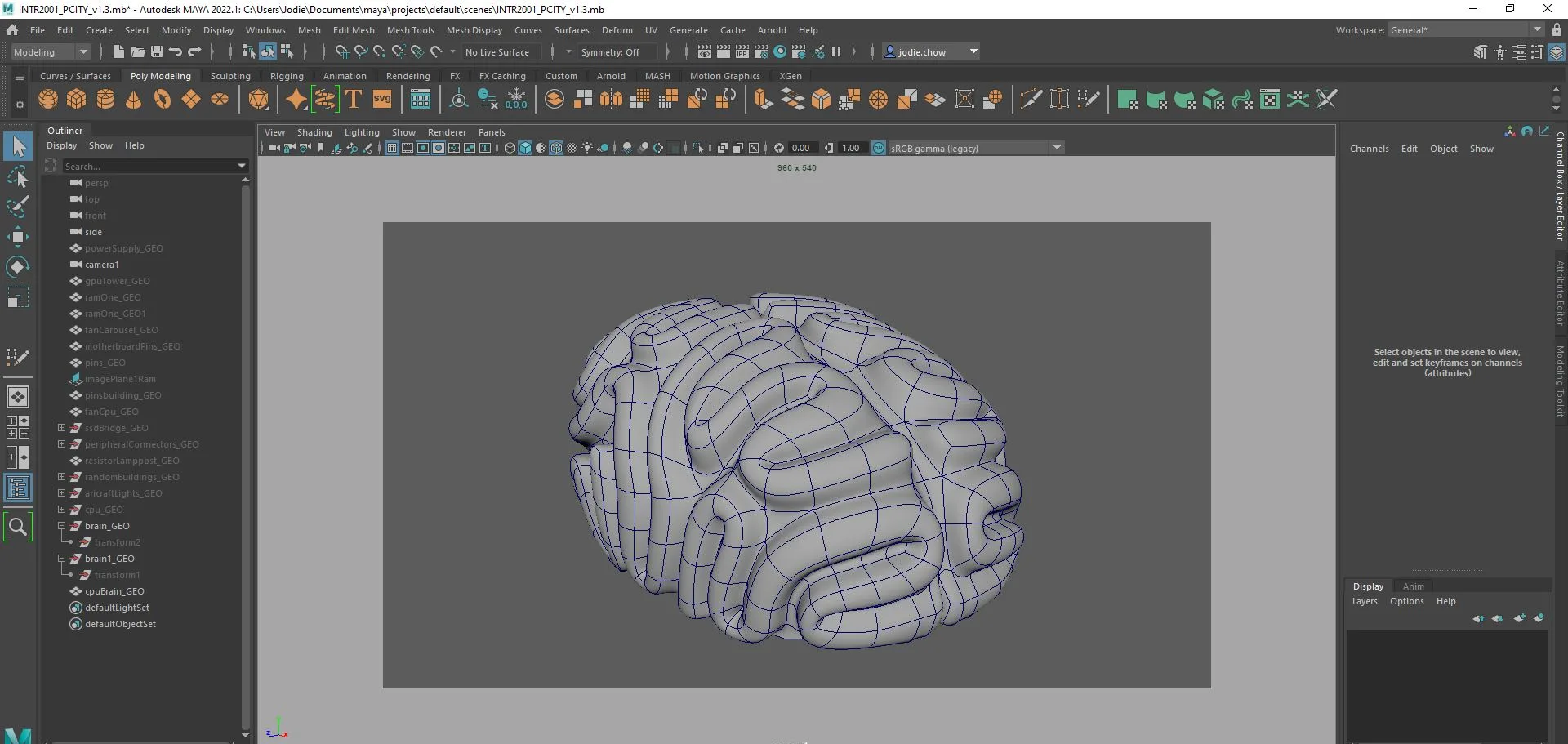
Worn metal first, neon second.
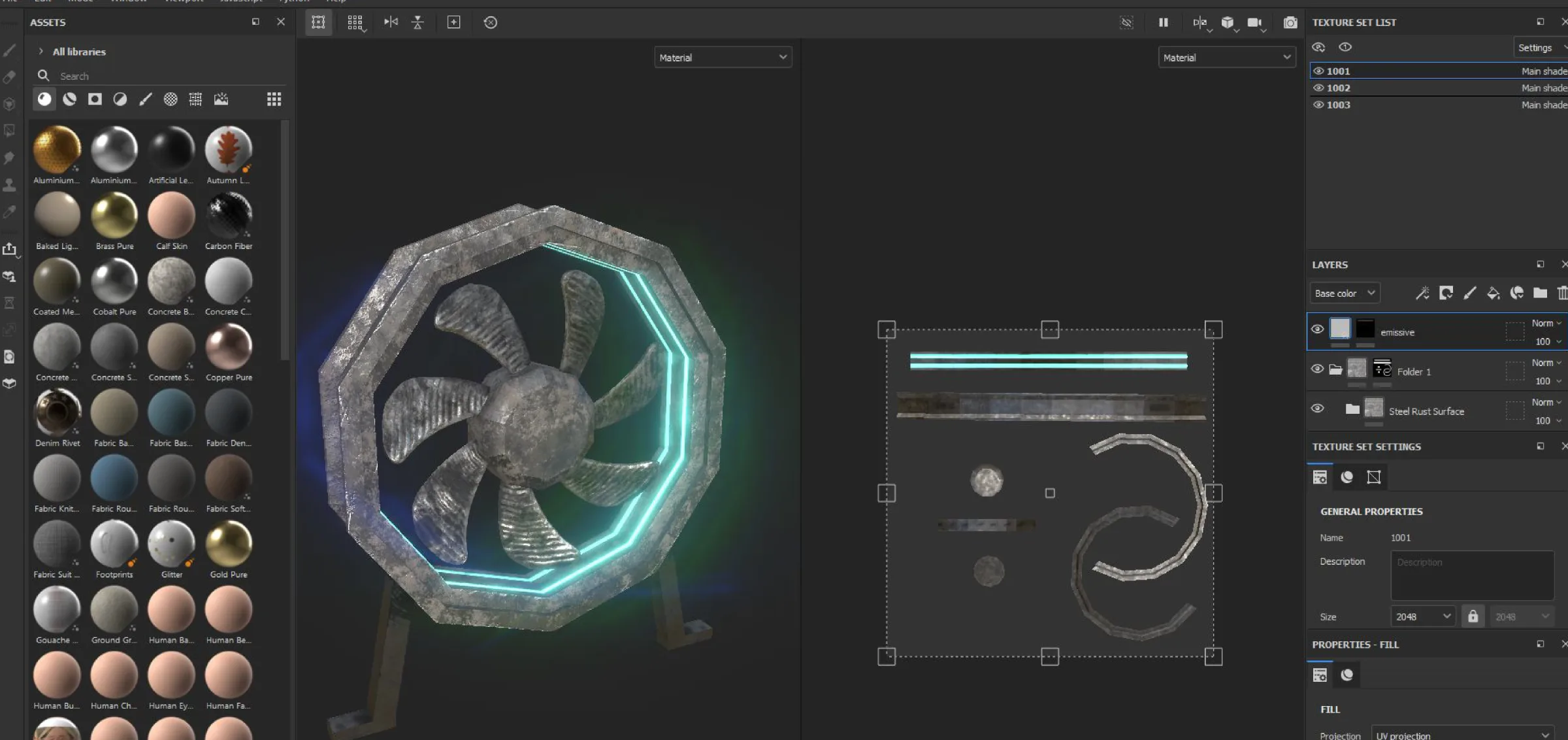
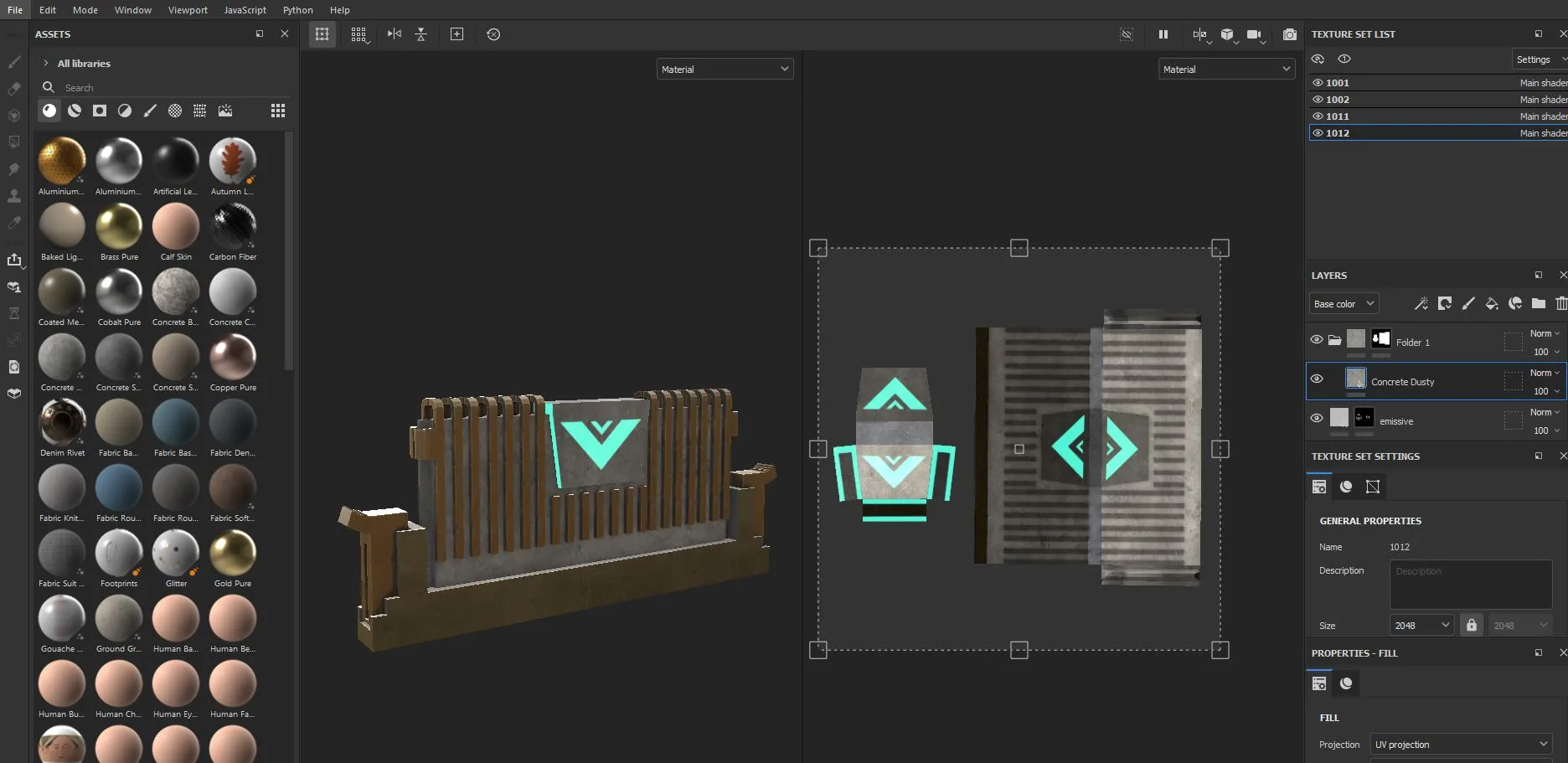
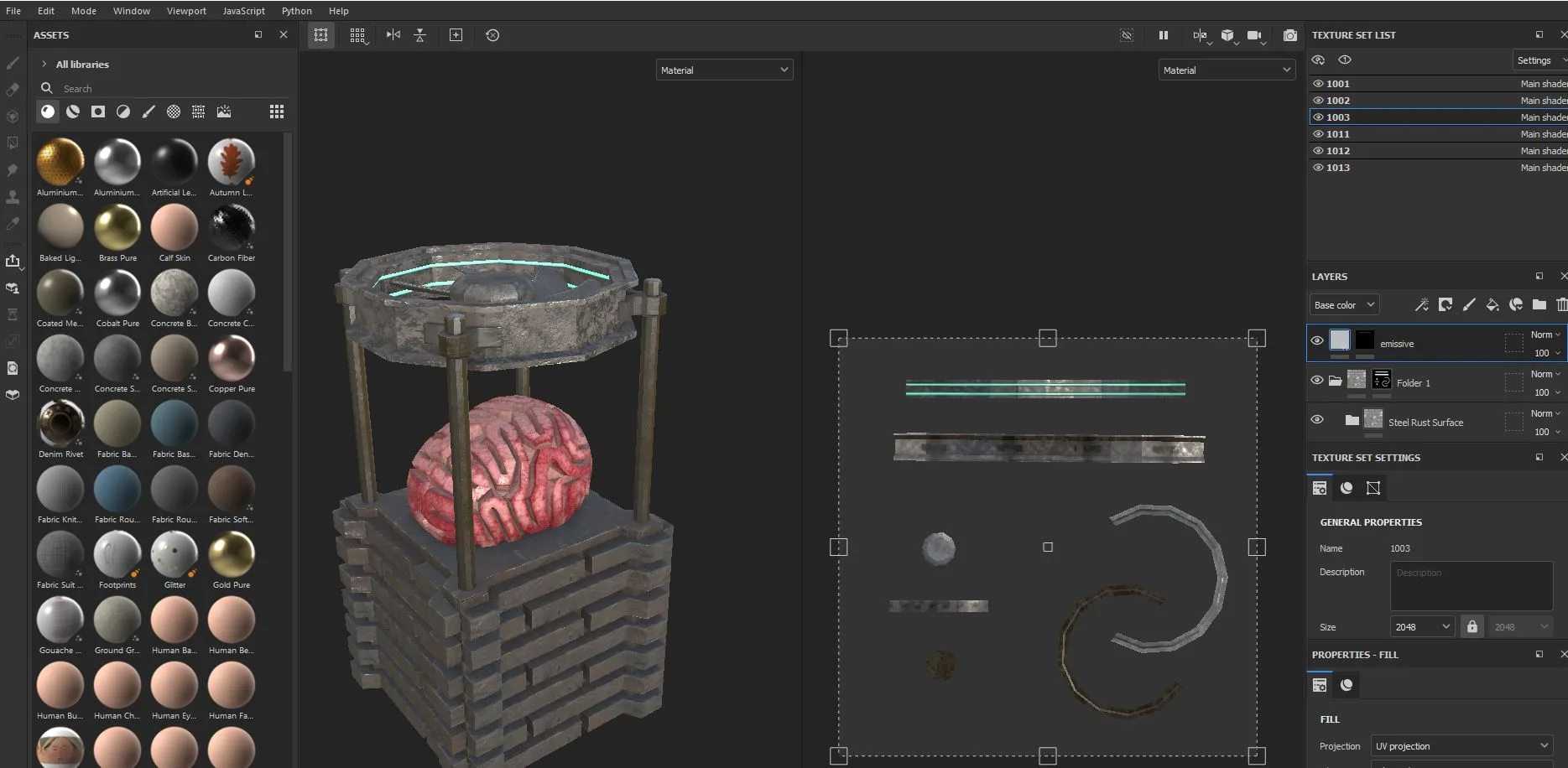
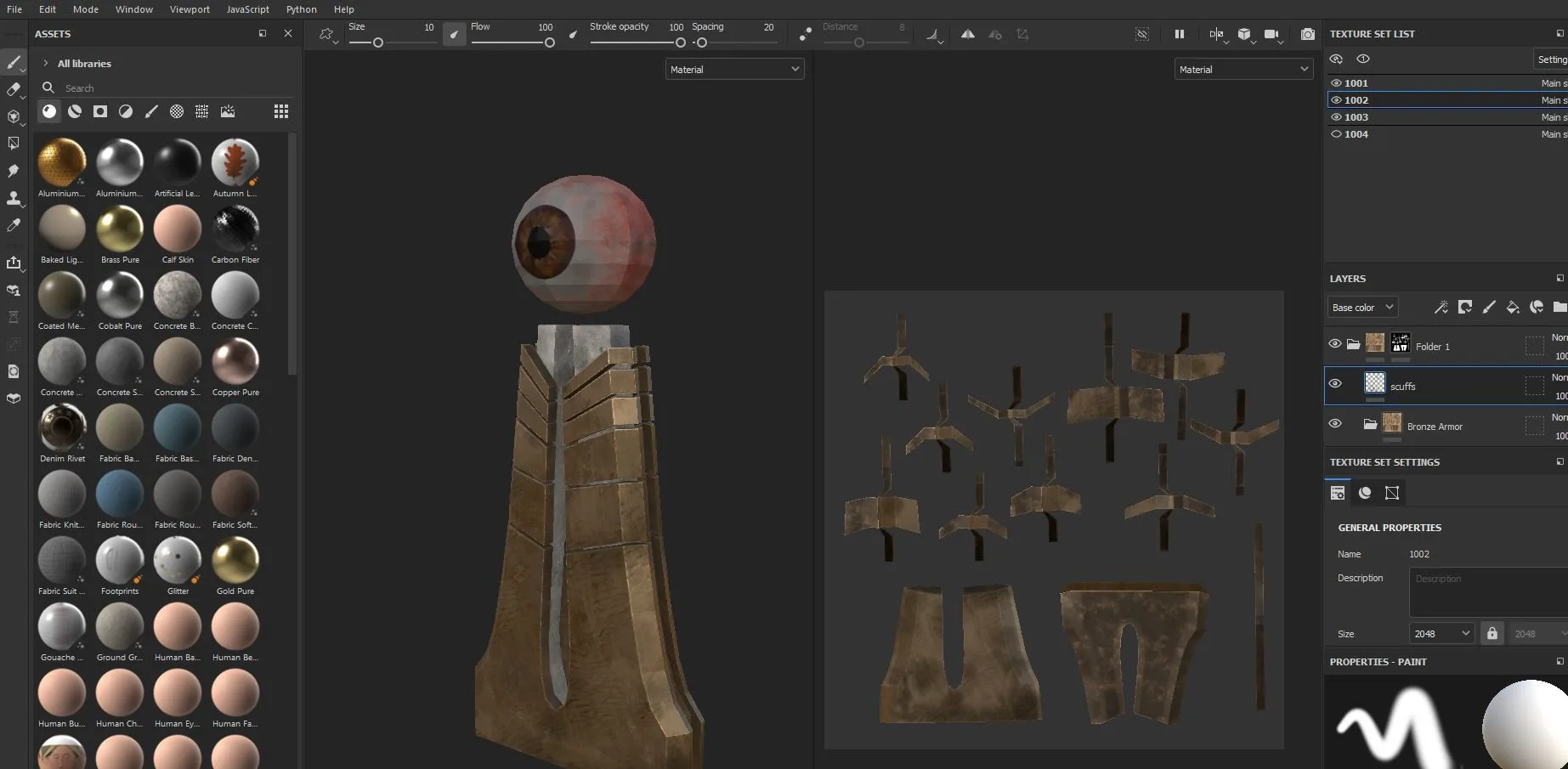
Everything was unwrapped and textured across three 2K sets in Substance Painter. The base is steel and bronze with rust, grime and scuffs painted into the edges, so the city reads as something that has been running for a long time rather than something freshly rendered.
The colour comes almost entirely from emissives. Window strips, fan rings and port indicators are the only light sources of their own, which is what lets the teal and magenta key lights do the rest of the work without flattening the surfaces.
One scene, four camera angles.
The final frames were rendered with ambient occlusion composited over the beauty pass to keep the detail in the deep parts of the city readable, then taken into Photoshop to balance the lighting across the set. Each angle was chosen to show a different mapped component in the foreground.
Click any frame to see it full size.
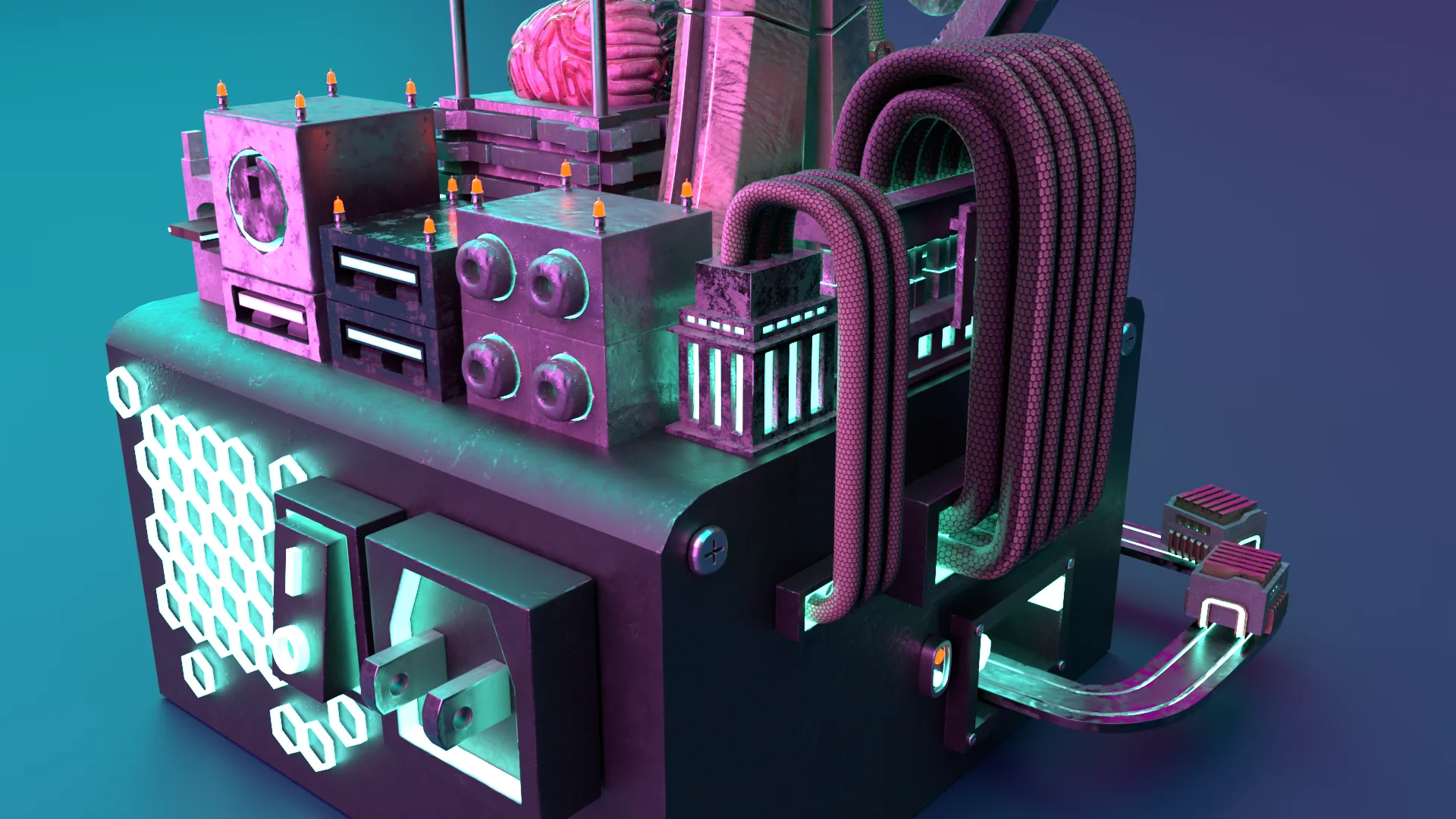
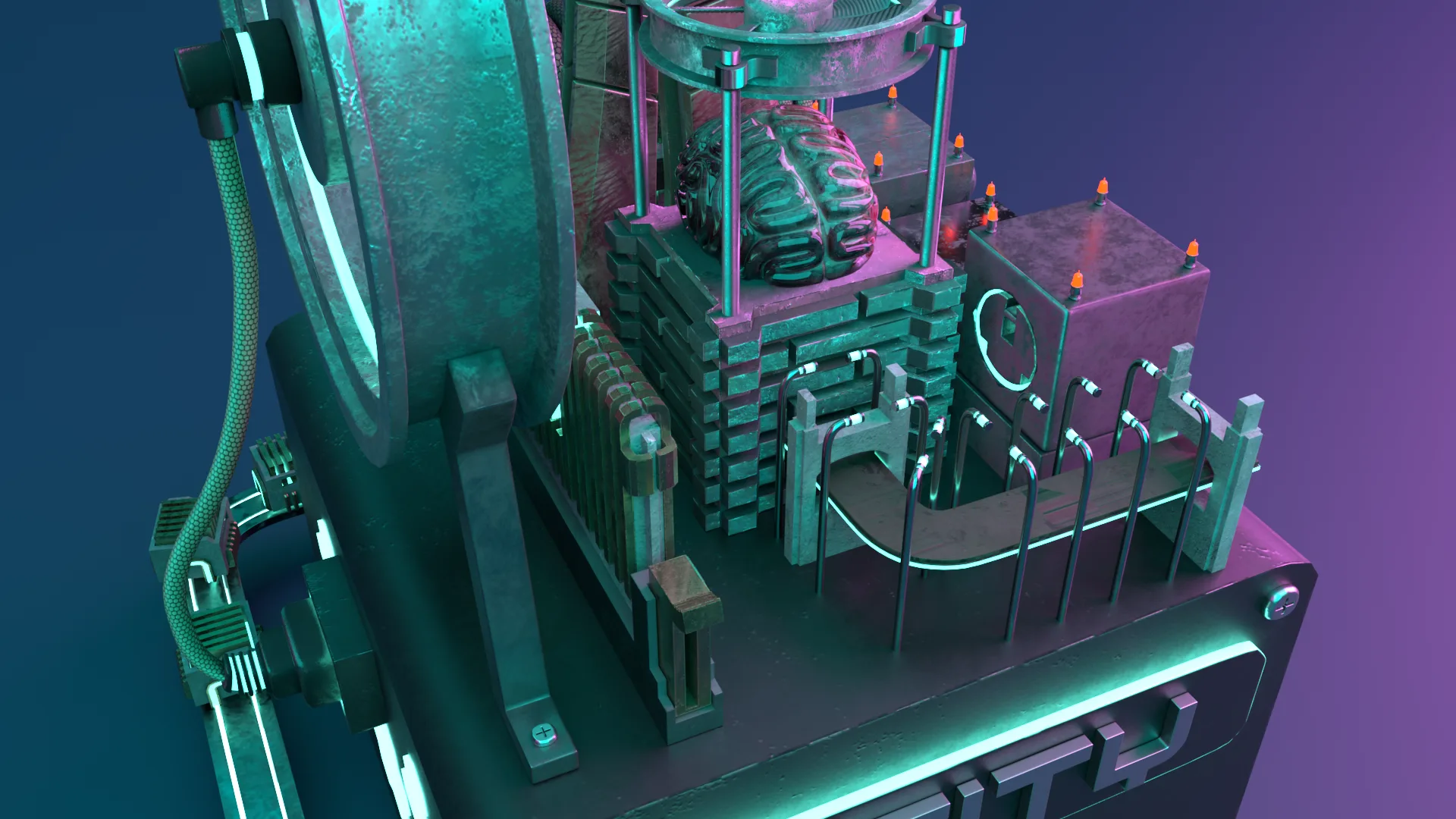
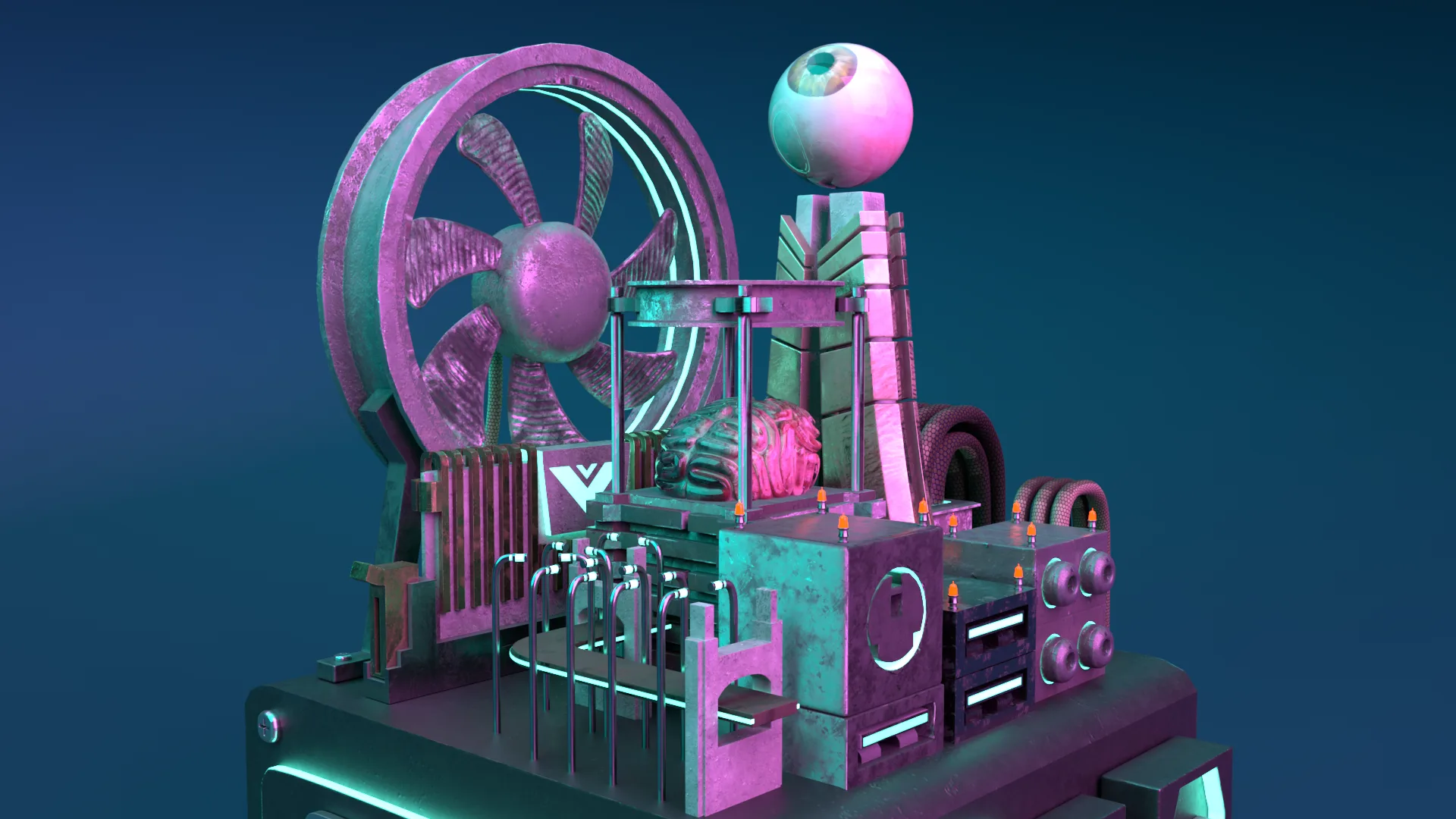
The cargo train was a last minute idea. Late in the build I ran the folder assets around the power supply as a train circling the city, a metaphor for cargo delivery: it arrives, loops the block, and drops off what the city asked for.
Fixing the one-to-one mapping up front meant every later modelling decision had an answer already. Nothing in the scene is there because it looked good.
The clay pass caught two towers competing for the same skyline. Far cheaper to fix there than after unwrapping.
This was my first project in it, so a lot of the time went into exploring what the textures and layer options could do rather than following a plan.